Supporting your Right to Turn Up and Go with Passenger Assistance Technology 

Click here to jump to Easy Read version.

Disabled and older passengers have the right to travel by train without requesting assistance in advance.

This is often called Turn Up and Go.

Passenger Assistance does not replace Turn Up and Go. It gives passengers another option if they prefer to request assistance before they travel.

Some people like to plan ahead. Some people prefer to arrive at the station and ask for support on the day. Some people use both, depending on the journey.

All of these choices are valid.

What is Turn Up and Go?

Turn Up and Go means you can arrive at a station and ask rail staff for assistance without making a request in advance.

This could include support getting around the station, finding the right platform, boarding the train, changing trains or leaving the station when you arrive.

You do not have to use the Passenger Assistance app or website to travel by train.

How Passenger Assistance can support Turn Up and Go

When you use Turn Up and Go, rail staff may use Passenger Assistance technology to help communicate your access needs to other teams.

This can sit alongside existing ways of communicating, such as radioing or calling colleagues.

For example, staff may use the Passenger Assistance staff app to share information about:

  • the support you have asked for
  • your departure station
  • your arrival station
  • any changes you need to make
  • your expected arrival time
  • information that may help staff support you

This helps staff pass information between teams more clearly.
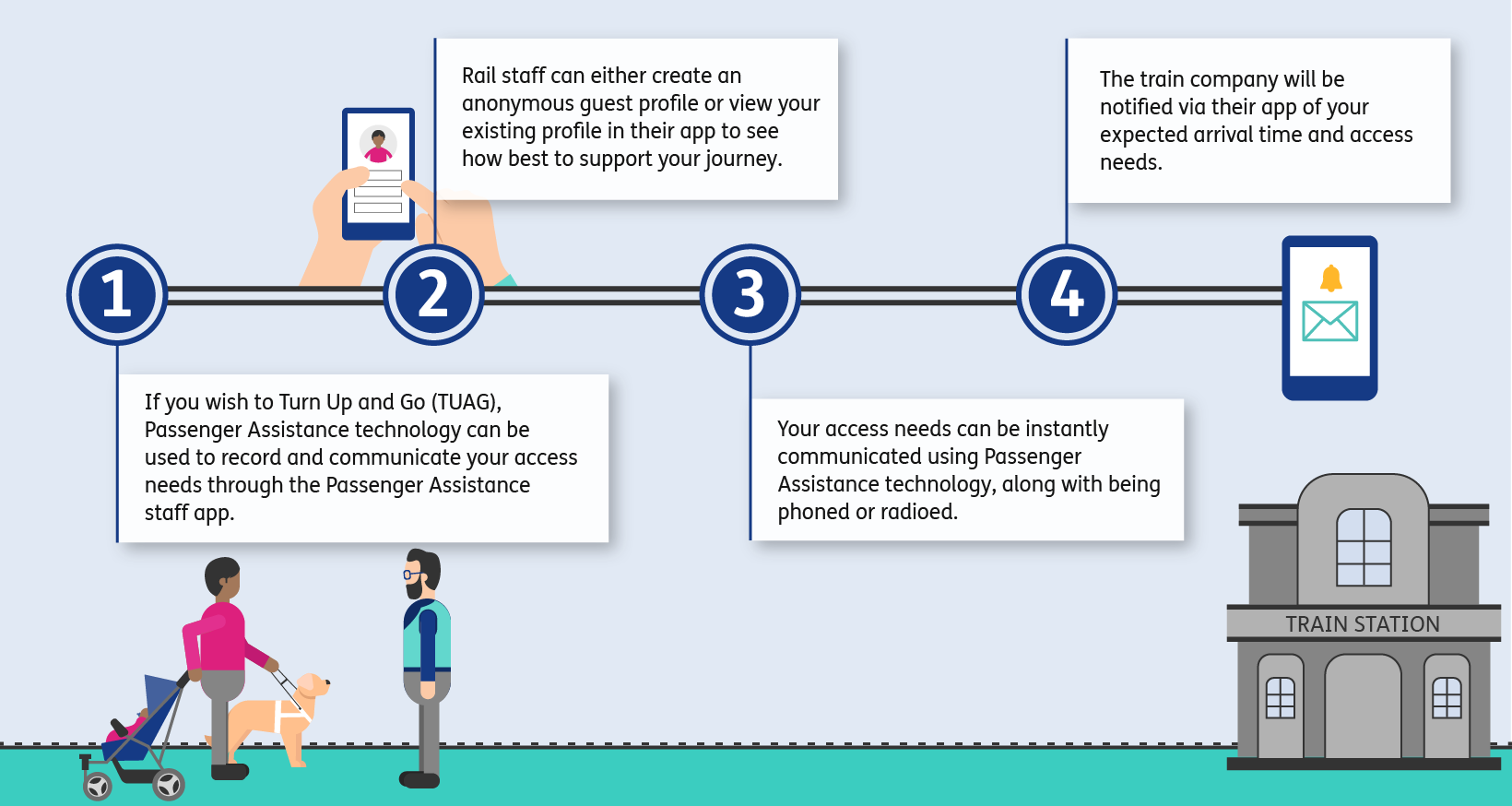
An illustration with two horizontal straight black lines with numbers 1, 2, 3, 4 placed along these in white font in dark blue circles.  Point 1 has a blue line down to a white box with black text reading “If you wish to Turn Up and Go (TUAG), Passenger Assistance technology can be used to record and communicate your access needs through the Passenger Assistance staff app.” Point 2 directs to a white box above the line with text "Rail staff can either create an anonymous guest profile or view your existing profile in their app to see how best to support your journey.” Point 3 is below the line with the text "Your access needs can be instantly communicated using Passenger Assistance technology, along with being phoned or radioed.” Point 4 is above the line, text "The train company will be notified via their app of your expected arrival time and access needs.” Next to number 2 on the line is an illustrated image of hands holding a dark blue smart phone with a profile image on the screen. Next to number 4 is a dark blue smart phone displaying a teal envelope outline with a gold bell notification icon above it on a white screen. Under box 1 is an illustration of a woman with brown skin and short black hair, wearing a pink top and grey trousers. To her left, she holds a guide dog in a white harness. In her right hand, she holds a blue pushchair behind her with a baby in a pink blanket inside. The woman is facing a man with short brown hair, glasses and a teal rail staff vest. They are standing in conversation on a strip of teal grass which runs the width of the image. At the other end of the image is a grey building with a sign reading “train station” in capital letters.

How does it work?

If you arrive at a station and ask for assistance, rail staff can record the support you need using the Passenger Assistance staff app.

They may create an anonymous guest profile for that journey, or use your existing Passenger Assistance profile if you have one and want to share it.

Your access needs can then be shared with the relevant station or train teams.

For example, if you need support getting off the train at your destination, staff can use the technology to let the arrival station know when to expect you and what support has been requested.

Why can this be useful?

Train journeys often involve more than one team.

You may speak to one member of staff at your departure station, but support may also need to be communicated to staff on the train, at an interchange station or at your arrival station.

Passenger Assistance technology can help by giving staff a clearer way to share information.

This can help reduce the risk of details being missed or misunderstood.

It can also help create a record of the support requested and the actions taken by staff.

Passenger Assistance is about choice

Passenger Assistance is designed to give passengers more choice, not less.

You can request assistance before you travel through the app or website.

You can use Turn Up and Go.

You can phone or email the train company.

You can decide what works best for you and your journey.

Requesting assistance before you travel

If planning ahead helps, you can use the Passenger Assistance app or website to request support before your journey.

You can share your access needs, add notes for staff and keep your journey details in one place.

For a step-by-step guide, read: How to use Passenger Assistance.

Easy Read Version
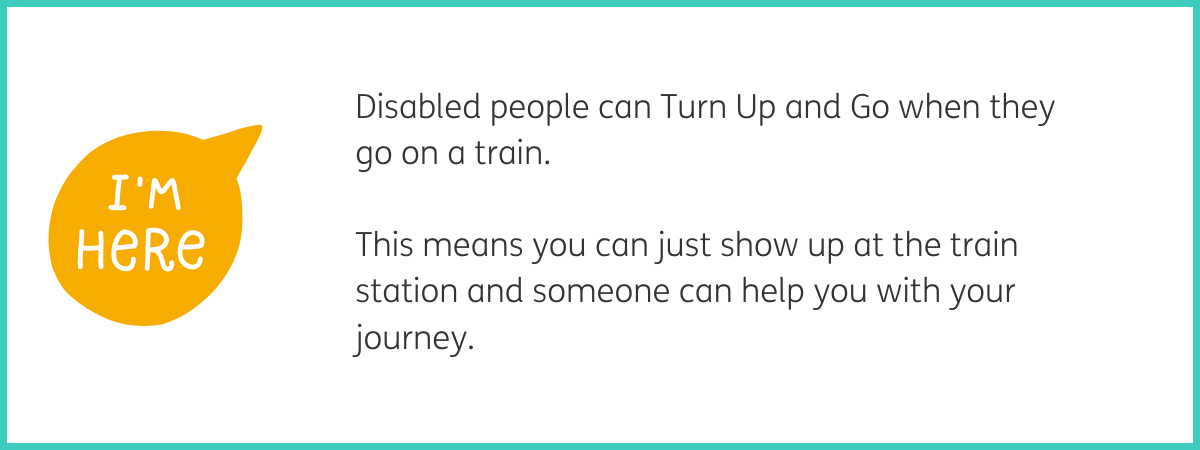
Graphic of a yellow speech bubble containing white text "I'm here". To the right of the graphic, black text reads "Disabled people can Turn Up and Go when they go on a train. This means you can just show up at the train station and someone can help you with your journey." White background with a teal frame.
Teal P Passenger Assistance logo. To the right of the logo, black text reads "You don't need to tell anyone you are coming. The people who work at the train station use our Passenger Assistance technology to tell their team how to help you." White background with a teal frame.
Graphic of a blue smart phone with a smiley face, arms and legs. To the right of the graphic, black text reads "They do this on their smart phone." White background with a teal frame.
Graphic of a smiling woman with black hair in a bun, wearing a blue jacket that reads "staff" in white font. To the right of the graphic, black text reads "They tell their team what you need to have a safe journey." White background with a teal frame.
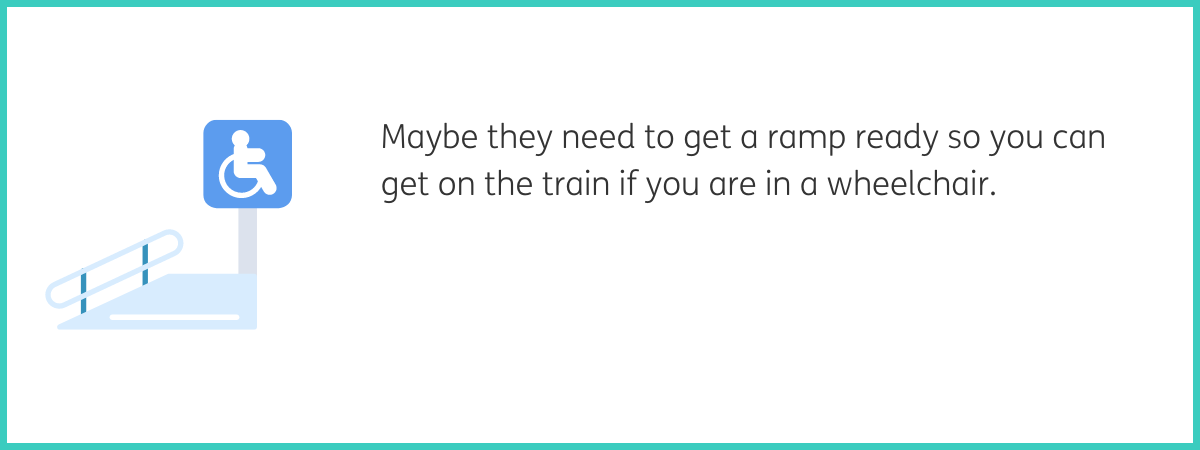
Graphic of a blue wheelchair ramp. To the right of the graphic, black text reads "Maybe they need to get a ramp ready so you can get on the train if you are in a wheelchair." White background with a teal frame.
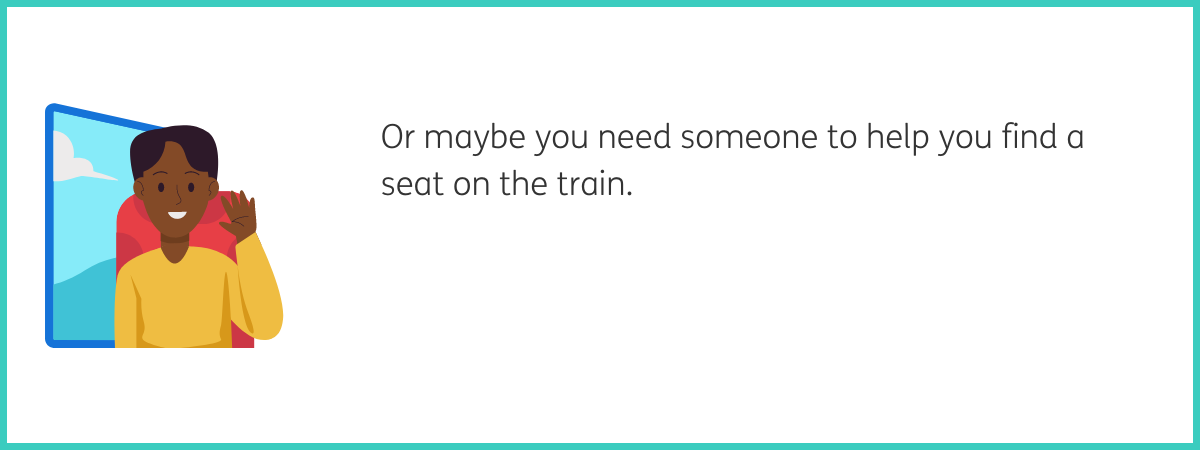
Graphic of a man with short black hair and brown skin, smiling and waving with one hand, wearing a yellow jumper and sat in a red train seat beside a train window. To the right of the graphic, black text reads "Or maybe you need someone to help you find a seat on the train." White background with a teal frame.
Graphic of a gold-framed clock with a white face and black hands pointing to five past twelve. To the right of the graphic, black text reads "The people who work at the station tell their team everything you need for your journey. They say what time everything needs to be ready." White background with a teal frame.
Graphic of a hand with a blue sleeve and a blue information logo floating above it, a blue circle with a white "i" inside. To the right of the graphic, black text reads "Our Passenger Assistance technology shows who helped you. If something goes wrong, you know who to talk to about it." White background with a teal frame.
Graphic of a grey and green train with yellow headlights and a blue window, shown from front view on a grey track beside a grey platform. To the right of the graphic, black text reads "Everyone should be able to just show up at the train station and get on a train if they want to." White background with a teal frame.